Ever felt overwhelmed thinking about how to build a website or software for your new business? You don’t have to worry anymore. Here’s a curated list of the best no-code platforms for small businesses. In 2026, these tools have become essential for small businesses looking to launch faster without high development costs.
Starting a venture is easy, but maintaining its software and website can feel overwhelming, especially if you are not familiar with coding. It is expensive often unnecessary for small businesses or beginners The cost could go up to thousands of dollars. That’s where no-code platforms come to the rescue.
You can build websites, apps, and even automate workflows, all without writing even a single line of code. That’s the power of the best no-code platforms, which can take your business to new heights.
In this guide, I’ll walk you through the best no-code platforms for small businesses in 2026, along with their pros, pricing, and ideal use cases.
Read more Is Low-Code Or No-Code The Future Of Developing Apps?
What is a No-Code Platform?
Before we jump in, let’s quickly understand what a no-code platform is.
A no-code platform helps you build digital products build digital products using:
- Drag-and-drop interfaces
- Visual builders
- Pre-built templates
That drills down to the process in which instead of coding, you simply:
Select elements → Customize → Launch. That’s it!
This makes it perfect for:
- Small business owners
- Freelancers
- Non-technical founders
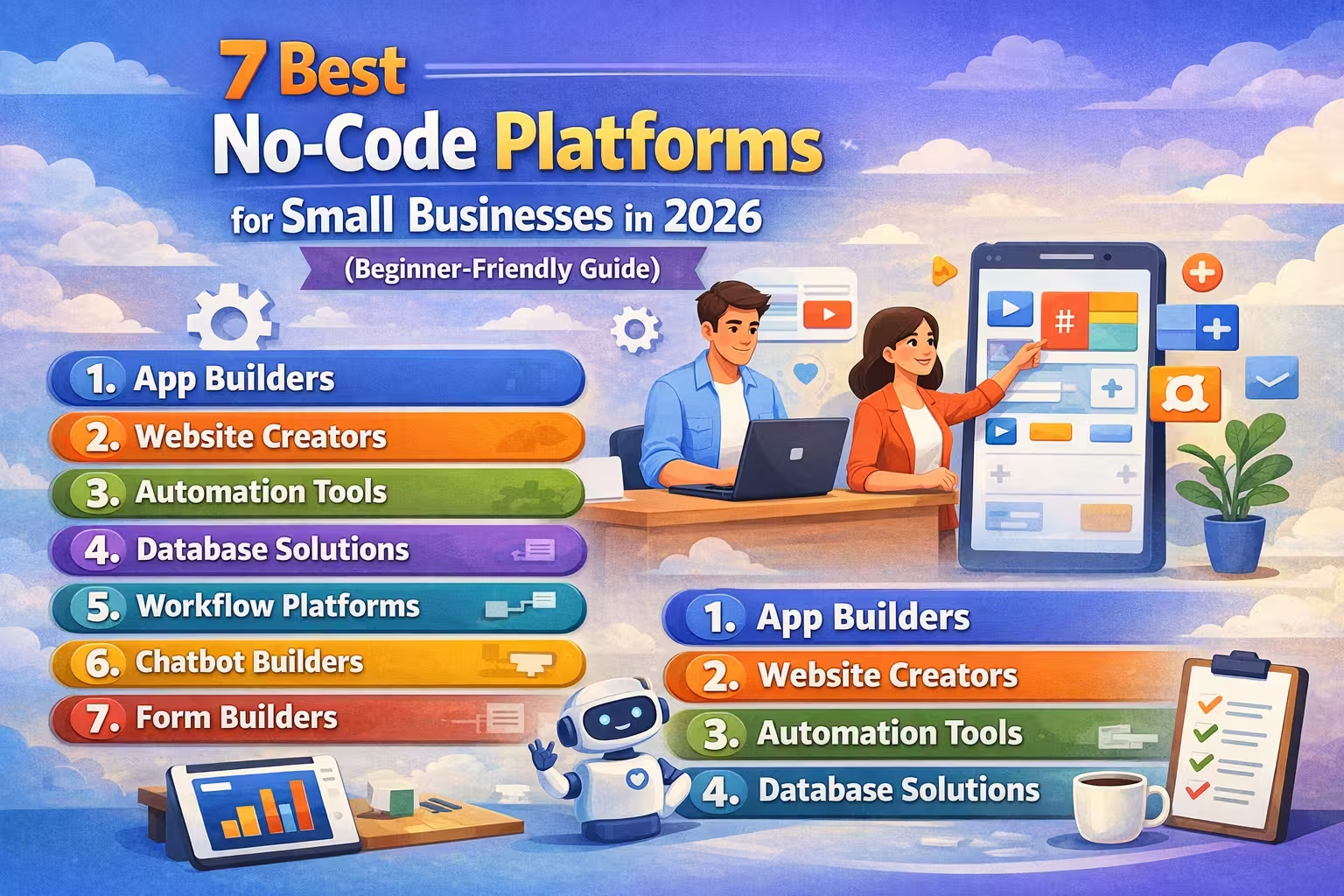
7 Best No-Code Platforms for Small Businesses in 2026
1. Bubble
Best for: Building web apps without coding
Bubble is one of the most powerful no-code platforms available today. It allows you to build fully functional web applications—from marketplaces to SaaS applications.
Key Features:
- Drag-and-drop builder
- Database integration
- Custom workflows
Pros:
- Build full web apps without coding
- Highly customizable
- Supports complex workflows
- Strong community and resources
- Scalable for startups
Cons:
- Steep learning curve
- Can be slow with complex apps
- Hosting tied to platform
- UI design takes time to master
2. Webflow
Best for: Professional websites
Webflow combines design freedom with powerful hosting. It’s perfect if you want a visually stunning website without writing code.
Key Features:
- Advanced design control
- CMS functionality
- Hosting included
Pros:
- Professional-level website design
- No coding required for front-end
- Clean, responsive templates
- Built-in CMS functionality
- Great for designers
Cons:
- Learning curve for beginners
- Pricing can be high
- Not ideal for complex backend logic
- Limited eCommerce features vs Shopify
3. Airtable
Best for: Managing business data
Think of Airtable as a smarter spreadsheet. It helps you organize projects, customers, and workflows in one place.
Use Cases:
- CRM systems
- Project management
- Inventory tracking
Pros:
- Extremely flexible (Biggest Strength)
- Strong collaboration features
- Beginner-friendly interface
- Combines spreadsheet simplicity + database power
- Powerful automation features
Cons:
- Can become expensive as you scale
- Record and storage limitations
- Learning curve for advanced features
- Performance slows with large datasets
- Limited native integrations
- Not ideal for building complex applications
- Basic reporting and analytics features
4. Zapier
Best for: Automation
Zapier connects your apps and automates repetitive tasks.
Example:
When someone fills a form → send email automatically
Why it matters: It can save hours of manual work every week.
Pros:
- Powerful automation between apps
- Supports thousands of integrations
- Easy to set up workflows (Zaps)
- Saves time on repetitive tasks
- Scalable for business use
Cons:
- Can get expensive quickly
- Limited logic in lower plans
- Task limits can restrict usage
- Debugging workflows can be tricky
5. Glide
Best for: Mobile apps
Glide lets you create apps directly from Google Sheets.
Best suited for:
- Internal tools
- Customer apps
Pros:
- Build apps from Google Sheets
- Very beginner-friendly
- Fast setup and deployment
- Clean mobile app design
- Great for internal tools
Cons:
- Limited customization
- Not suitable for complex apps
- Pricing increases with usage
- Dependency on data structure
6. Notion
Best for: All-in-one workspace
Notion is widely used for:
- Documentation
- Task management
- Knowledge bases
Pros:
- All-in-one workspace (notes, tasks, databases)
- Clean and intuitive interface
- Highly customizable layouts
- Great for content planning and documentation
- Strong collaboration features
- Large template library
- Free plan is very generous
Cons:
- Can feel overwhelming for beginners
- Limited advanced automation
- Slower performance with large pages
- Offline mode is limited
- Not ideal for complex workflows
7. Shopify
Best for: Online stores
If you want to start an online business, Shopify is one of the easiest ways to launch.
Features:
- Payment integration
- Inventory management
- Pre-designed templates
Pros:
- Easy to set up online store
- Secure and reliable hosting
- Wide range of apps and themes
- Built-in payment and shipping features
- Great for scaling eCommerce businesses
Cons:
- Monthly costs add up
- Transaction fees (if not using Shopify Payments)
- Limited customization without apps
- App costs can increase expenses
Here’s a quick side-by-side comparison of the best no-code platforms for small businesses in 2026 to help you choose the right tool faster:
| Platform | Best For | Ease of Use | Key Strength | Limitations | Starting Price |
|---|---|---|---|---|---|
| Bubble | Web apps / SaaS | Medium–Hard | Full app development with workflows | Steep learning curve | ~$29/month |
| Webflow | Websites & CMS | Medium | Professional design control | Learning curve | ~$14/month |
| Airtable | Data & workflows | Easy | Spreadsheet + database hybrid | Record limits | Free / ~$20/user |
| Zapier | Automation | Easy | 6000+ app integrations | Expensive at scale | Free / ~$20/month |
| Glide | Mobile apps | Very Easy | Apps from Google Sheets | Limited customization | Free / ~$25/month |
| Notion | Workspace / docs | Easy | All-in-one productivity tool | Limited automation | Free / Paid plans |
| Shopify | Online stores | Very Easy | Complete eCommerce solution | Monthly + app costs | ~$39/month |
Quick Summary:
Choosing the right tool depends on your needs:
- Best for websites → Webflow
- Best for apps → Bubble / Glide
- Best for automation → Zapier
- Best for eCommerce → Shopify
- Best all-in-one workspace → Notion
- For data management: Airtable
Start simple. You can always upgrade later.
FAQs
Is no-code good for small businesses?
Yes. No-code platforms reduce costs, speed up development, and allow non-technical founders to build and launch products quickly.
Can no-code replace developers?
Not completely—but for many small business needs, it’s more than enough.
Are no-code tools scalable?
Some are (like Bubble), but others are better for small to mid-sized projects.
Start Building Without Code Today
No-code platforms are revolutionizing the way small businesses operate in today’s world. They save thousands of dollars while giving you full control, without having to learn coding or complex implementation.
Two words that define no-code platforms are simplicity and affordability.
If you’re just starting out, begin with simple tools like Webflow or Glide. As you grow, gradually move to advanced platforms like Bubble.
If you’ve been waiting for the “right time” to start building your business online, this is it. No-code platforms have removed the biggest barrier—technical complexity.
Whether you want to launch a website, automate tasks, or build an app, there’s a tool for your exact need.
Start today. Even 30 minutes of experimenting with a no-code tool can move your idea closer to reality.